Personal Account Feature
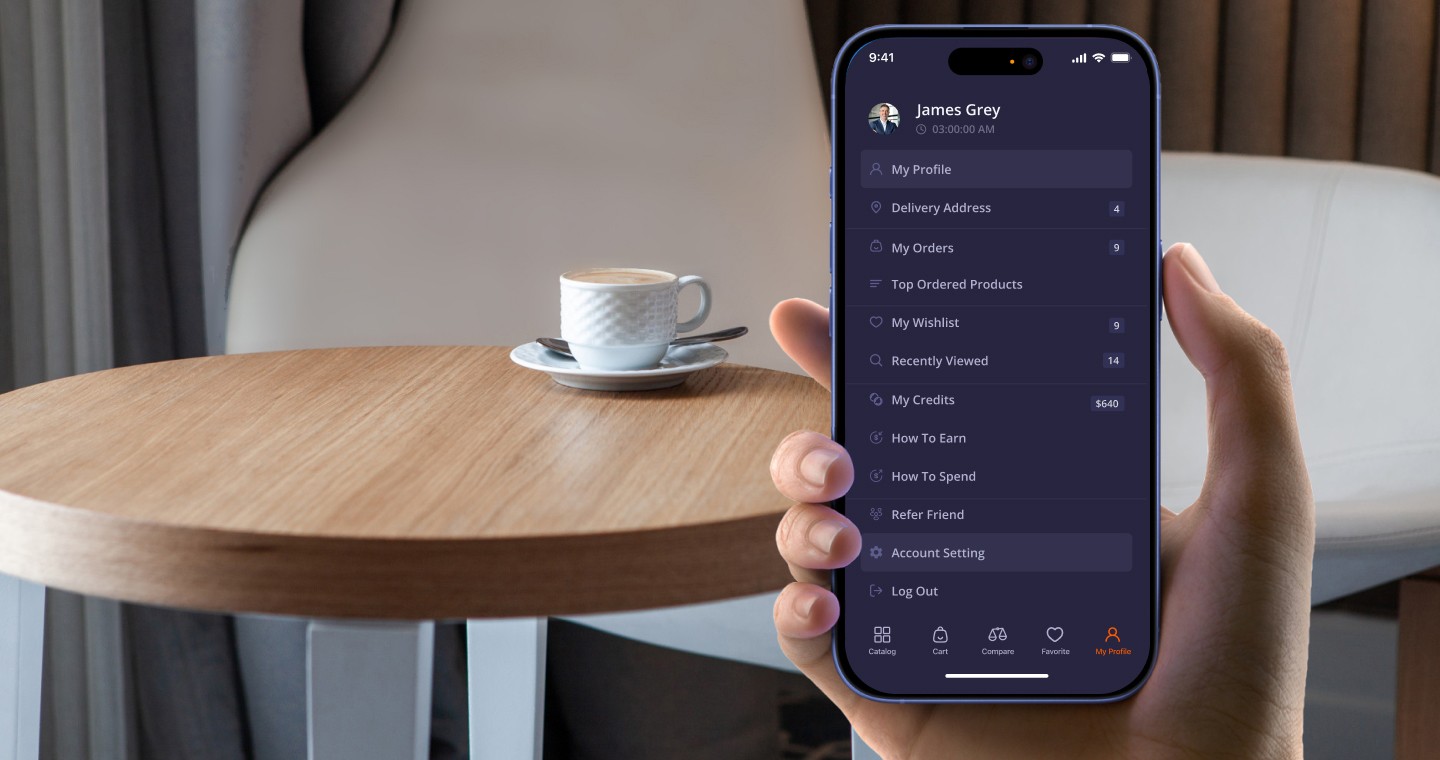
The Personal Account is one of the most important elements for users in any e-commerce platform.
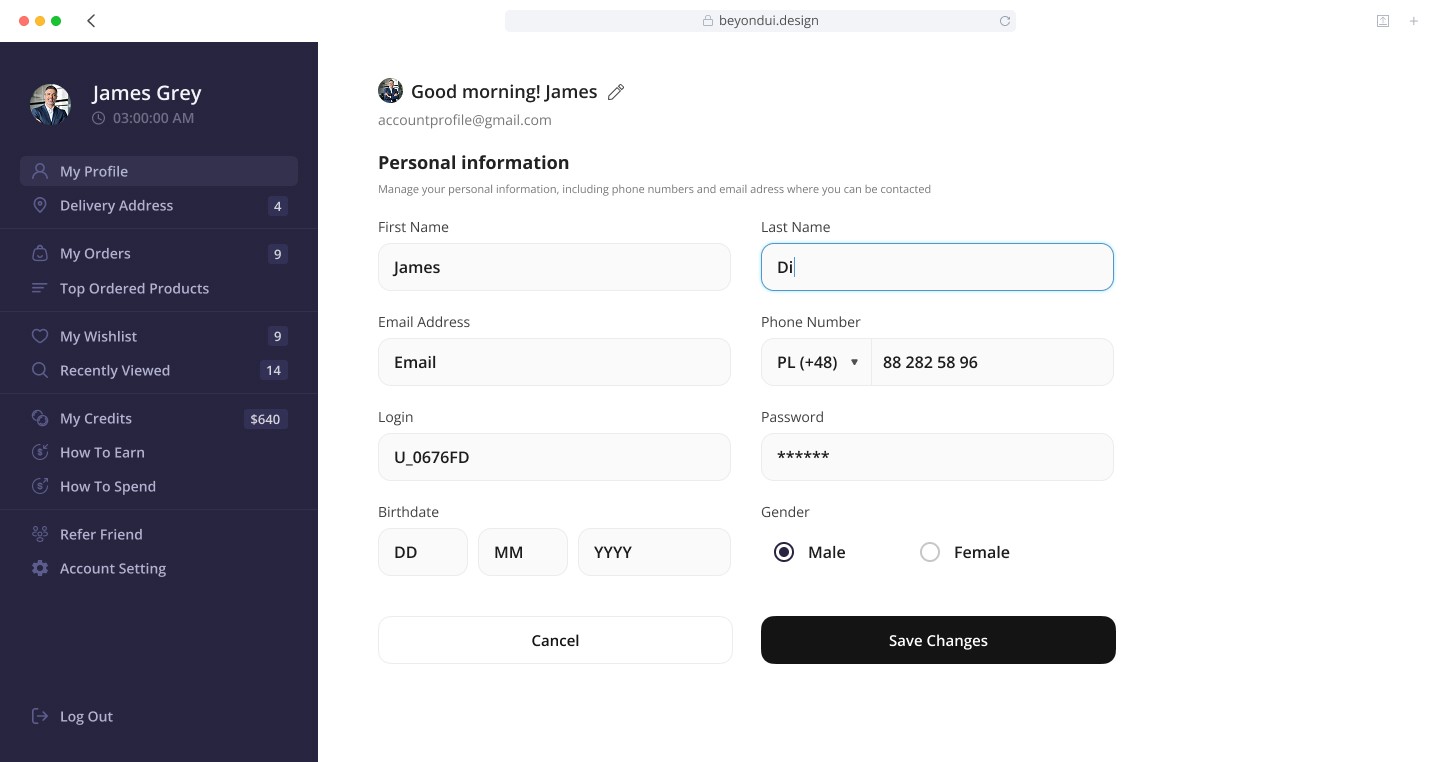
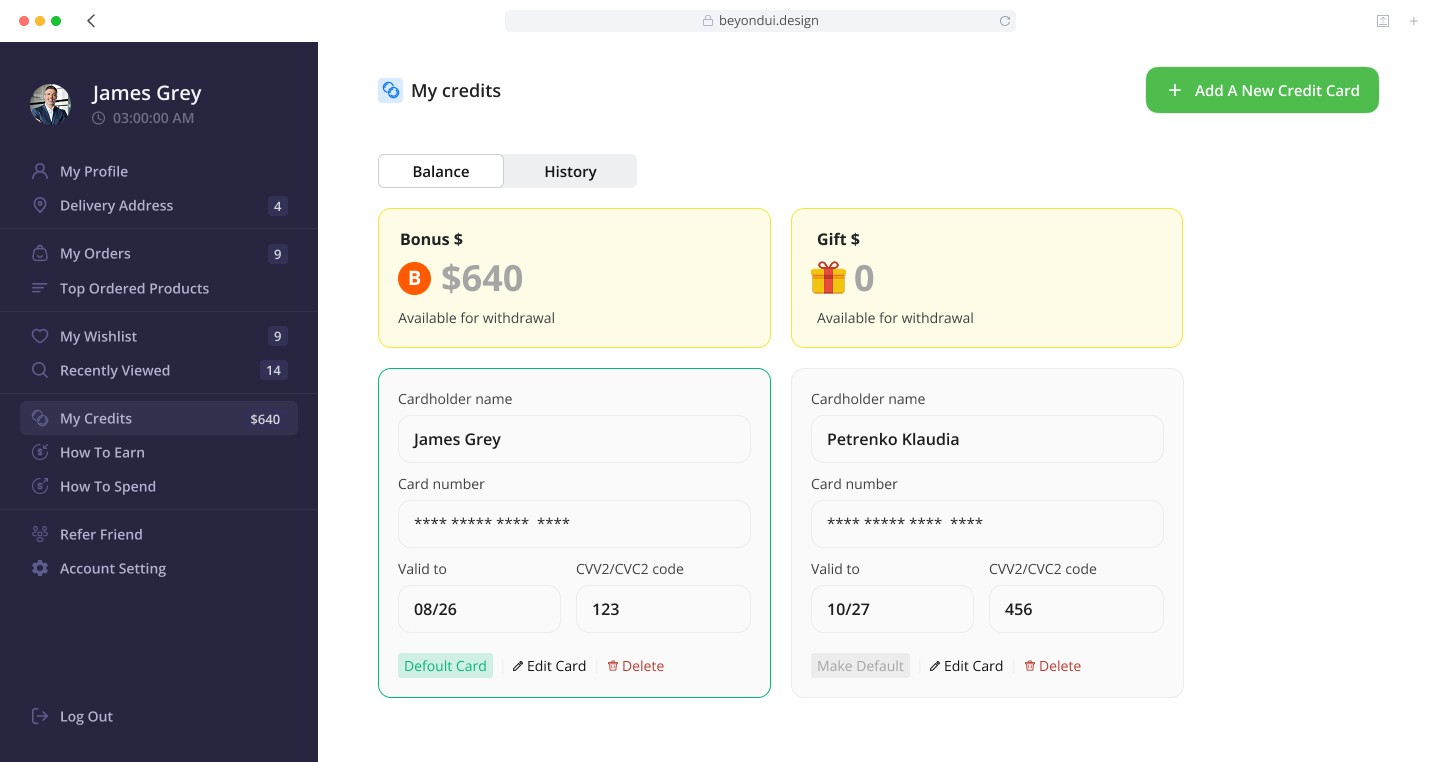
My goal was to design a structured, intuitive, and visually clean personal cabinet that helps users easily manage their profile, orders, payments, and preferences.
The Challenge
My Process
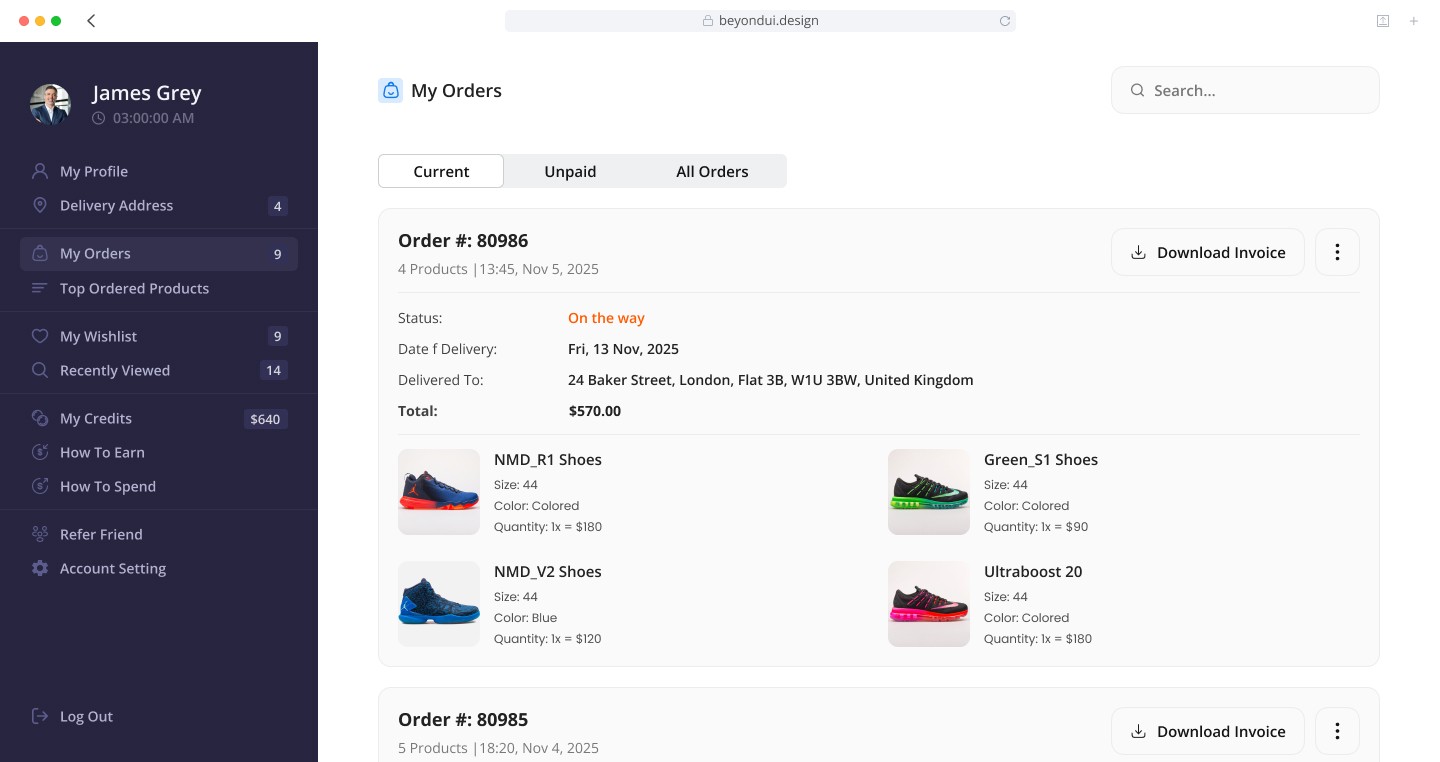
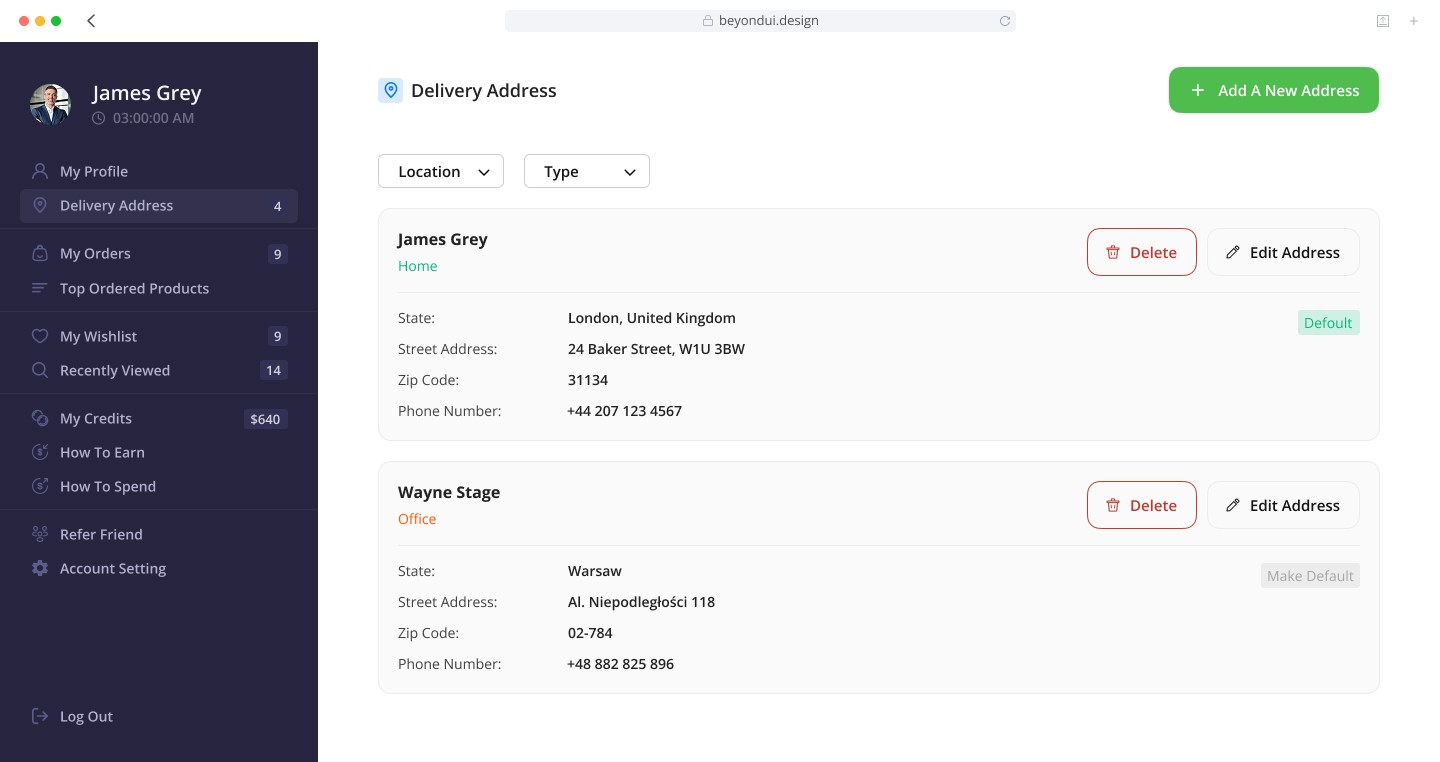
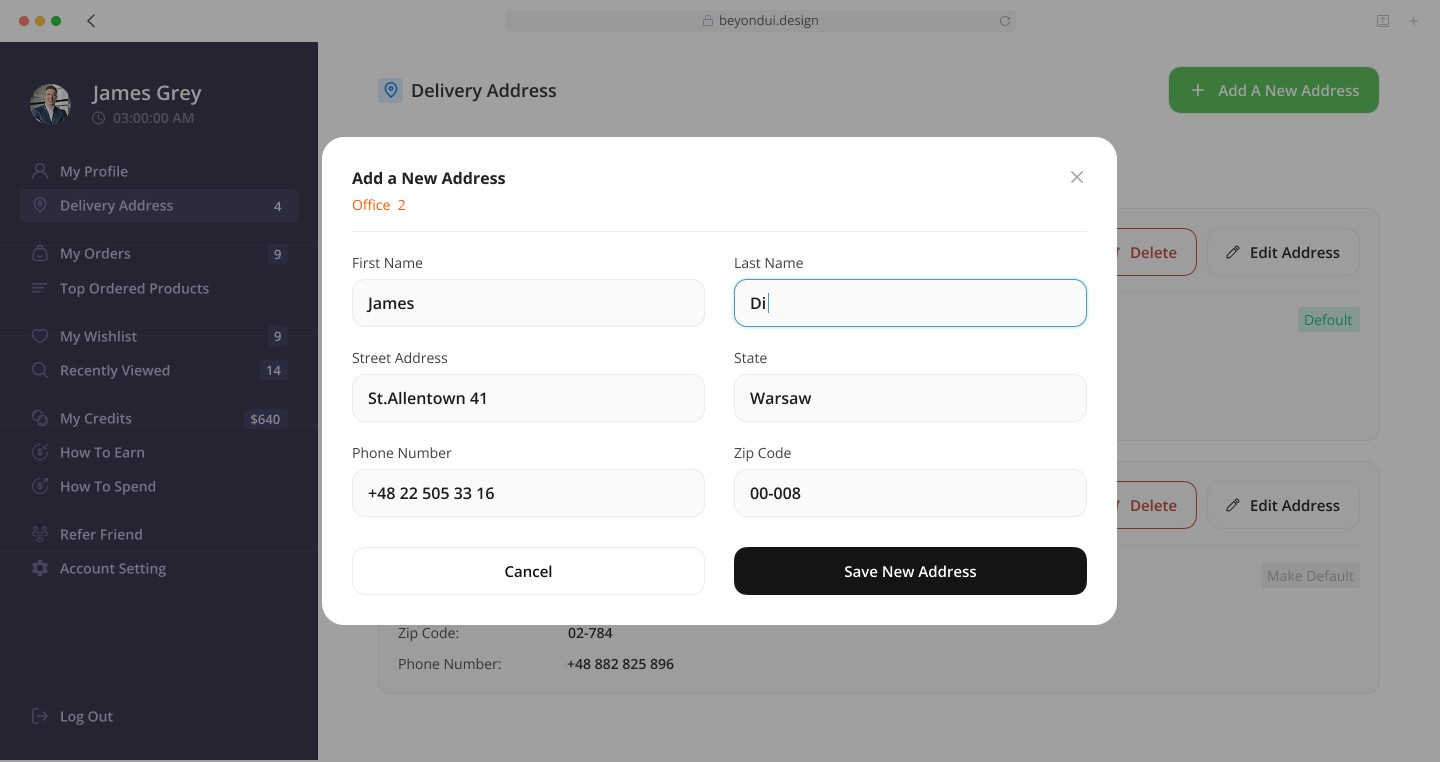
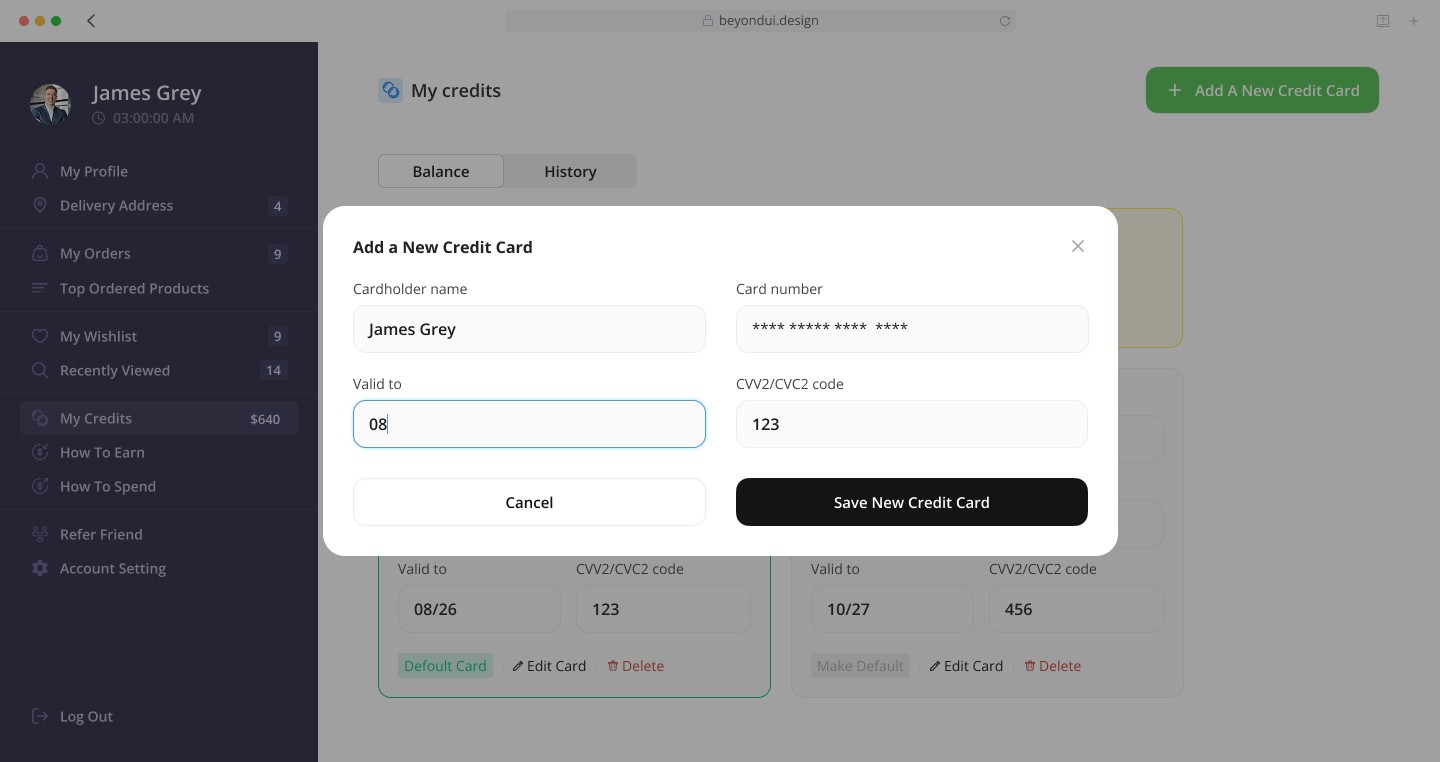
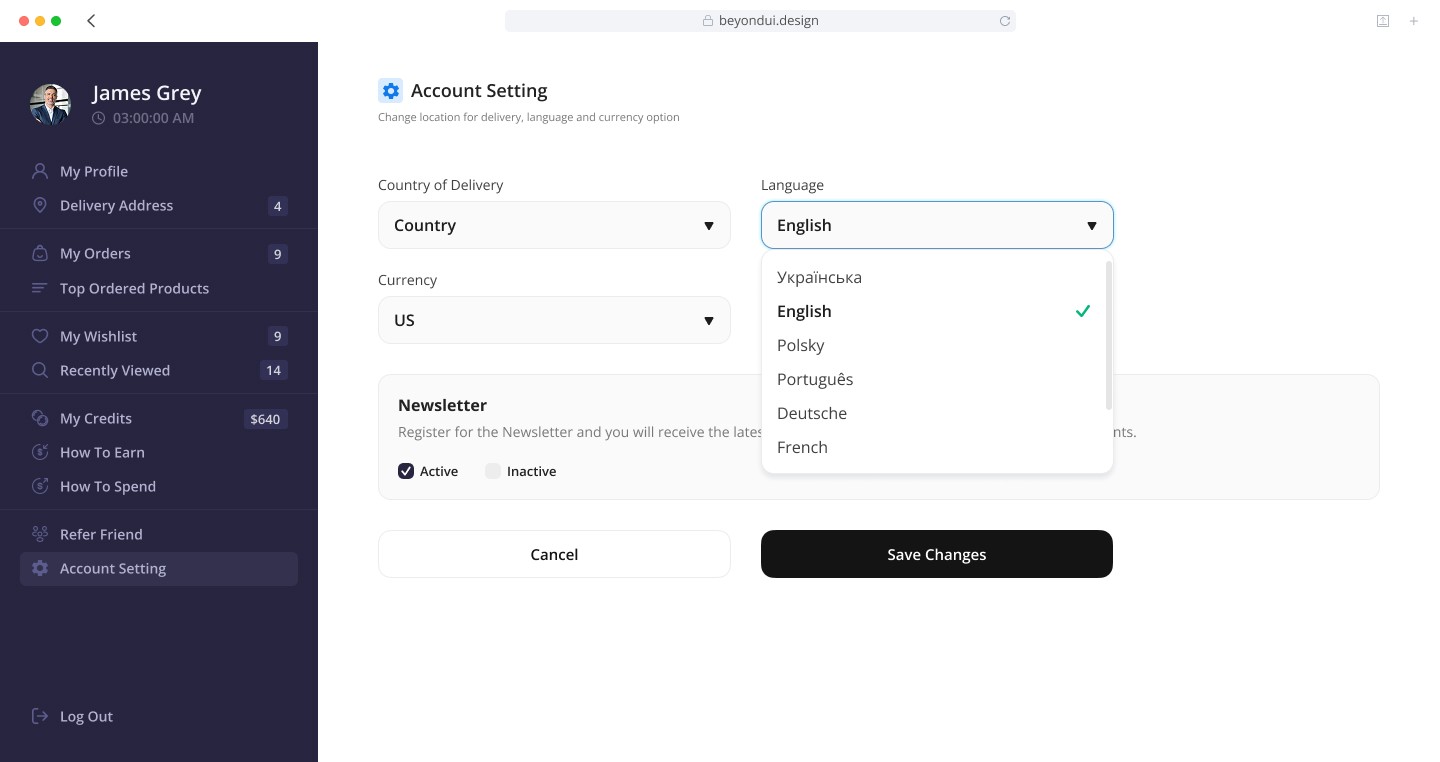
Each block is visually separated and labeled, making the entire settings page easy to scan and quick to use.
5. Account Settings
This section brings together all functional preferences.
I included:
country of delivery,
language,
currency,
newsletter.
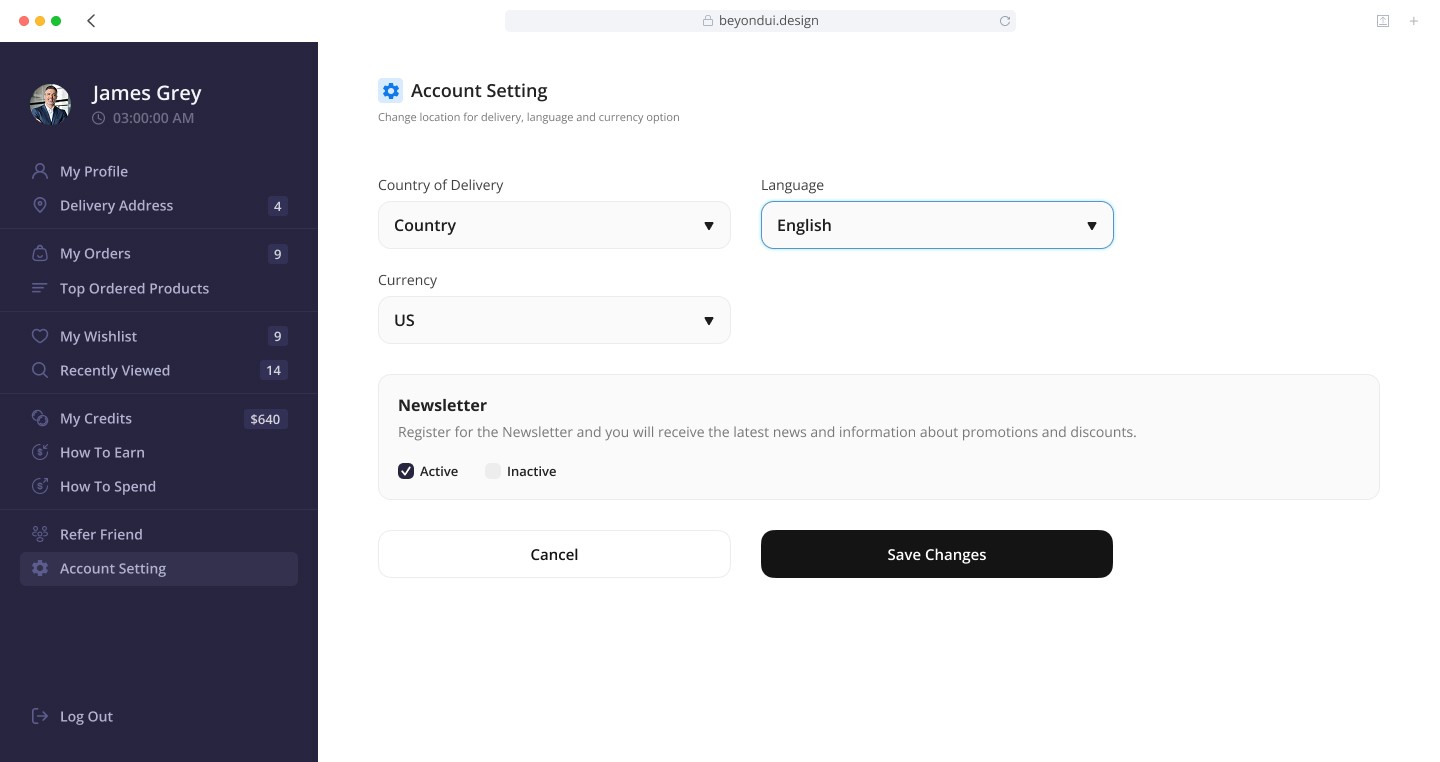
Each part is organized into a dedicated block, while the dropdown menus provide a clean, space-efficient way to navigate deeper options without overwhelming the user.
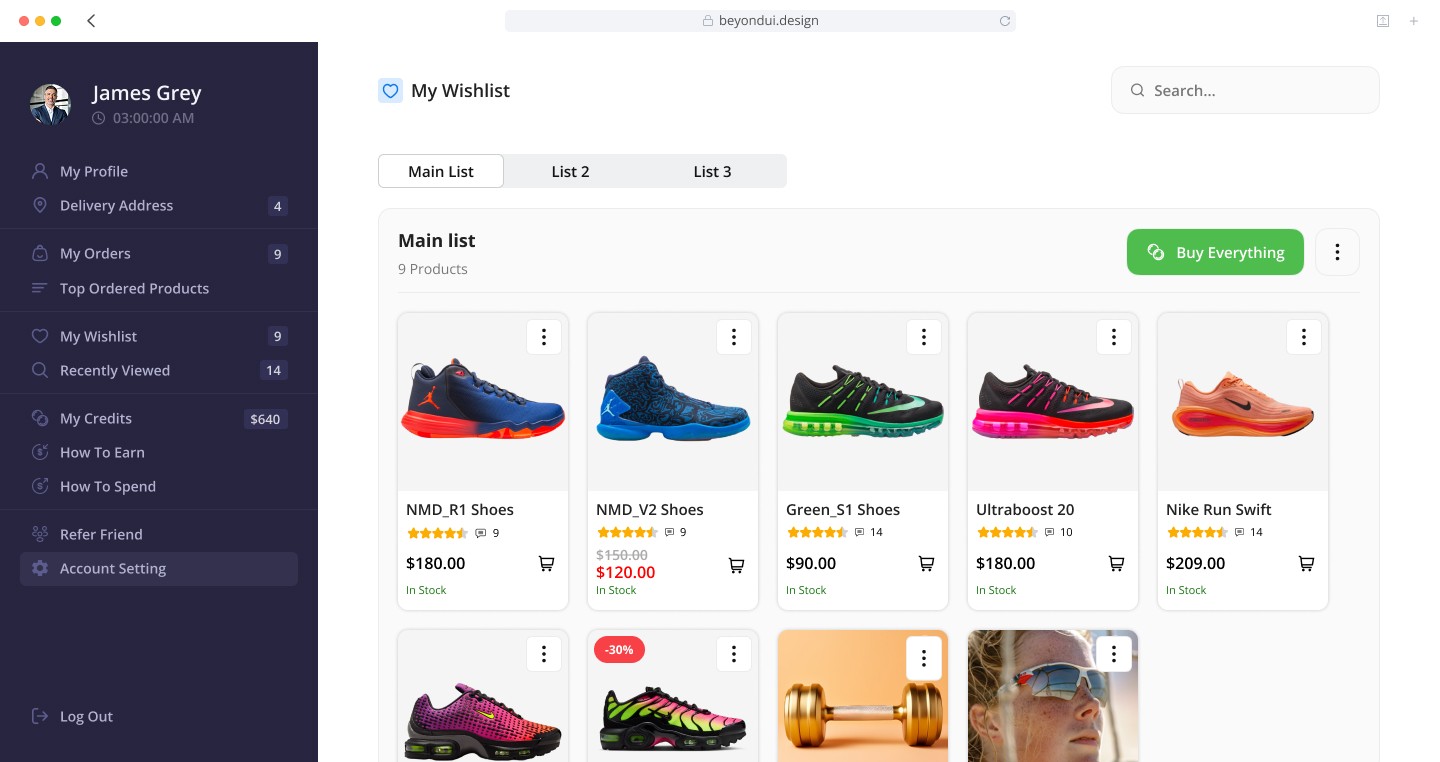
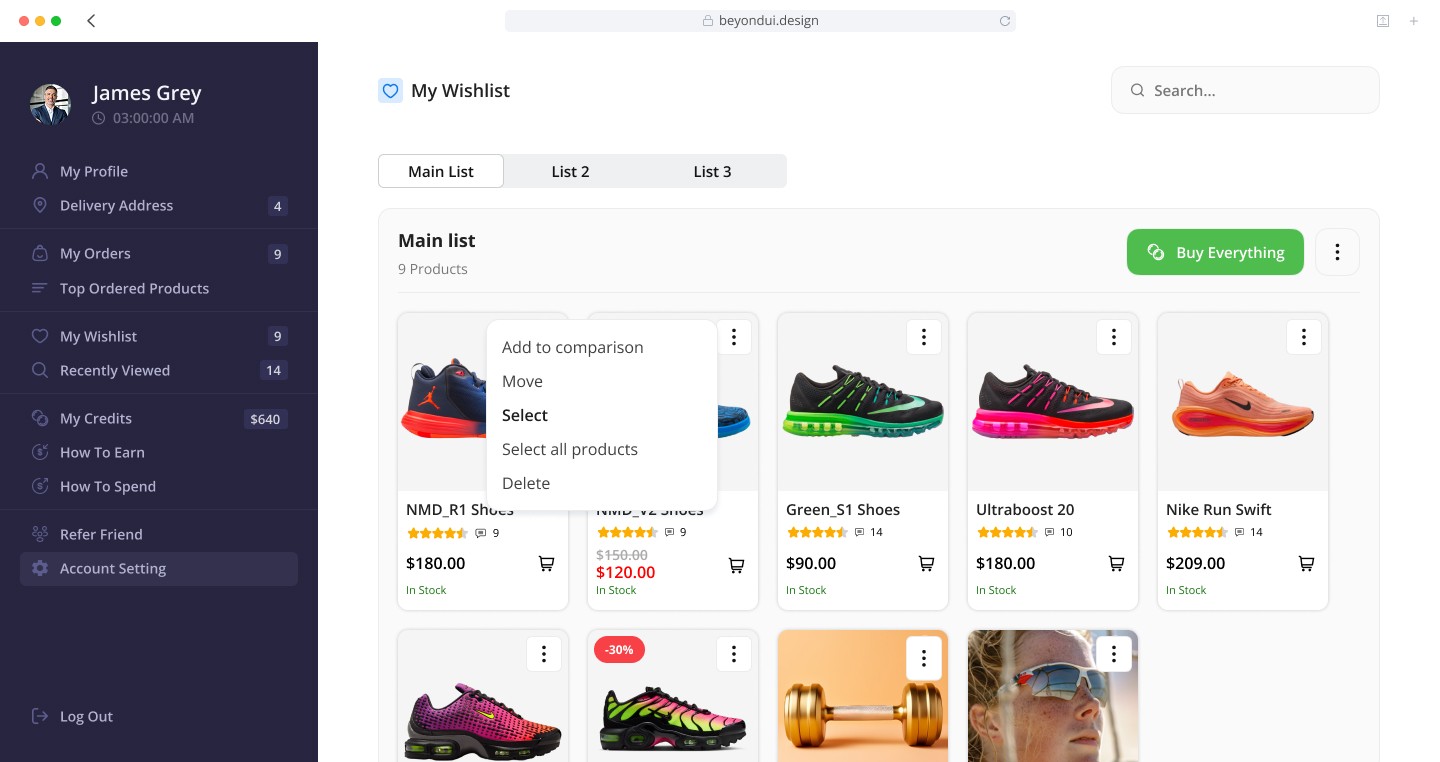
To enhance usability, I added a multi-action pop-up menu, which allows users to:
add to comparison
move (between lists or to the cart)
select individual items
select all products
delete selected items
These additional tools make the wish list more flexible and help users manage larger collections of saved items with ease, improving their shopping planning and overall user experience.
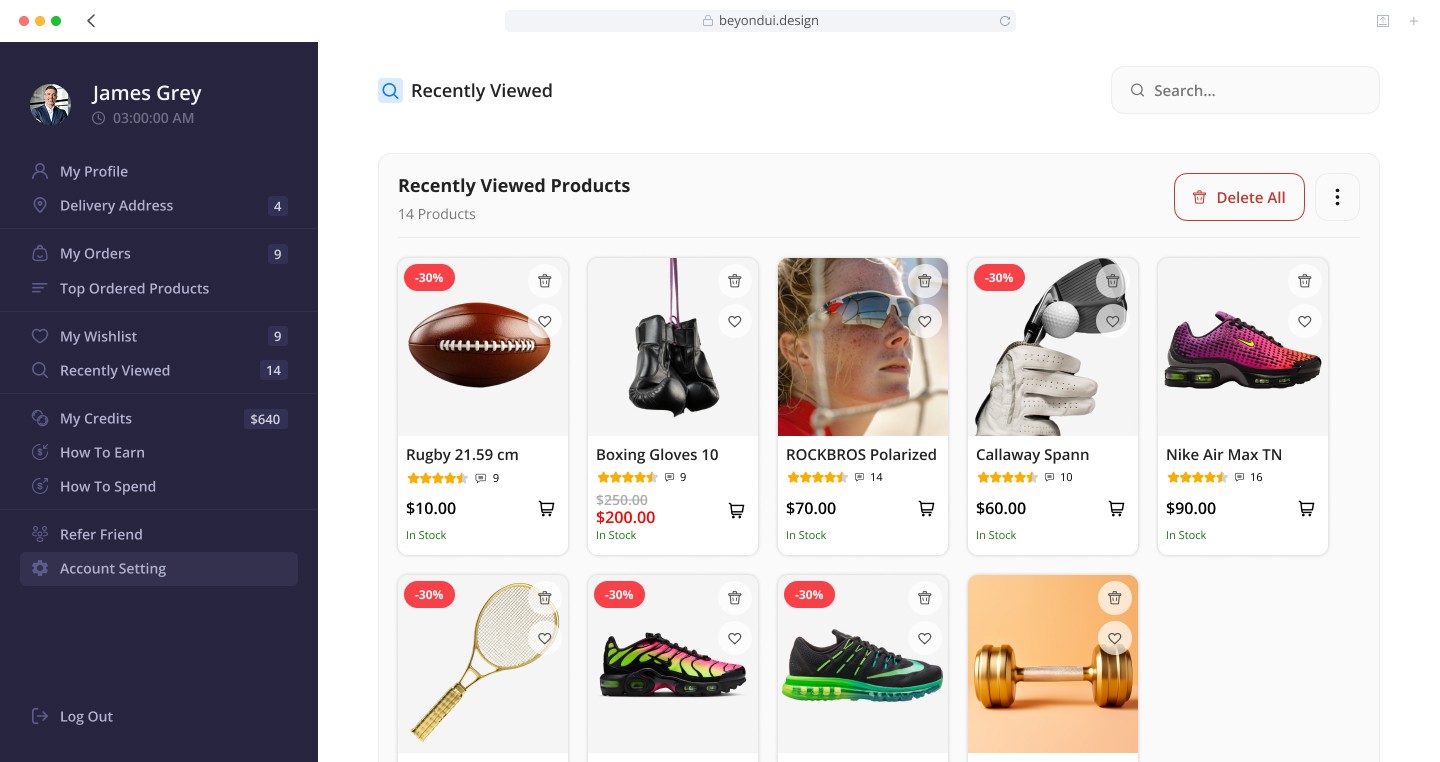
7. Browsing History
I added a history page to show recently viewed products.
This supports user convenience by allowing them to revisit products without searching again.
I designed it in a card layout similar to the shop grid for visual consistency.
Design Decisions
Throughout the entire design process, I followed several key principles:
reduce unnecessary details to avoid overload,
use clear visual hierarchy,
apply consistent components across all sections,
ensure the user can navigate between pages without losing context,
highlight key actions (edit, save, delete) for better usability.